
Home > caravansplus > caravansplus RV WI-FI Dishydock Router User Guide
caravansplus RV WI-FI Dishydock Router User Guide


Setting your Wi-Fi 5G Password.
7. Find the ‘Key’heading• You will see that the password is set to: rvwifi1234. This is the factory
set password.
Delete this and type in your own WIFI password. It has to be at least 8 characaters and it is
case sensitive.
9. Click on the ‘Save and Apply’button. The screen will indicate that it is ‘waiting for
configeration to apply’.
10. A pop up box will show you that it is applying the changes you have just made. Wait 4 minutes

| General | Details |
|---|---|
| Name | caravansplus RV WI-FI Dishydock Router User Guide |
| Make | caravansplus |
| Language | English |
| Filetype | PDF (Download) |
| File size | 0.41 MB |
 (1 votes, average: 5.00 out of 5)
 Loading...
If you have any questions regarding caravansplus RV WI-FI Dishydock Router User Guide, please ask here and describe the problem in detail.


Tenda N300 Wi-Fi 4G LTE Router User Guide

TP-Link AX53 Internet Router User Guide

NETGEAR M5 Nighthawk 5G Mobile Router User Guide

TP-Link AX1800 Gigabit Dual Band Wi-Fi 6 Router User Manual
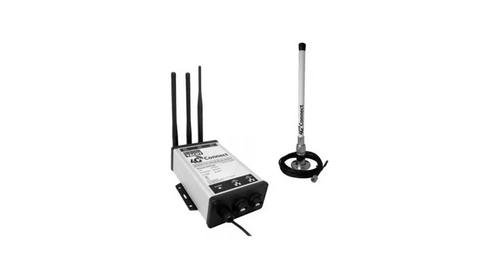
DIGITAL DEPP SEA 4GXtream Premium LTE Internet Access Router Instruction Manual

Tenda RX2LP Dual Band Gigabit Wi-Fi 6 Router Installation Guide

dahua AX1500 Wi-Fi6 Wireless Router Instruction Manual

HIKVISION DS-3WG105GP-SI Router User Guide

araknis NETWORKS 520 Dual WAN Multi Gigabit VPN Router Instruction Manual

TP-Link NE200 Outdoor Router Installation Guide