
CME H2MIDI PRO Compact USB Host MIDI Interface Plus Router User Manual


4. View full settings & Reset all to factory defaults
The View Full settings button is used to view the filter, mapper, and
router settings for each port of the current device - in one convenient
overview.
The Reset all to factory defaults button is used to reset all parameters
of the unit to the default state when the product leaves the factory.
5. Firmware upgrade
15 / 20

| General | Details |
|---|---|
| Name | CME H2MIDI PRO Compact USB Host MIDI Interface Plus Router User Manual |
| Make | CME |
| Language | English |
| Filetype | PDF (Download) |
| File size | 0.27 MB |
 (1 votes, average: 5.00 out of 5)
 Loading...
If you have any questions regarding CME H2MIDI PRO Compact USB Host MIDI Interface Plus Router User Manual, please ask here and describe the problem in detail.


Cisco RV320 Small Gigabit Dual WAN VPN Router User Manual

BEC RidgeWave 7000 R26 MaxRange Gigabit LTE Outdoor Router Owner’s Manual

DrayTek Vigor2927 Dual-WAN VPN Firewall Router User Manual

WIS HOME WIS-AC1200 WiFi Router User Guide

LUXUL XBR-4500 Epic 4 Multi WAN Gigabit Router Installation Guide

Tenda AC1200 WiFi 6 Router Installation Guide

TP-Link AX23 AX1800 Dual Band WiFi 6 Router User Manual

NETGEAR XR300 Nighthawk Gaming Router User Guide
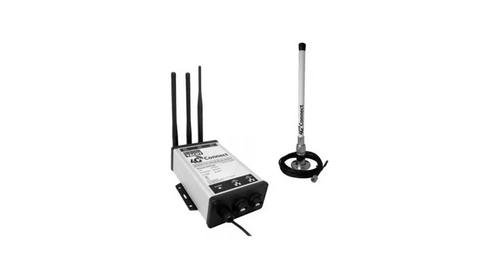
DIGITAL DEPP SEA 4GXtream Premium LTE Internet Access Router Instruction Manual

hitron ARIA2513 Wifi Router Installation Guide