
Inverto OneNet PROx MESH WI-FI Router User Guide


Thank you for choosing Inverto's OneNet PROx
MESH Wi-Fi solution
Set-up in 3 steps:
1. Connect provided power and WAN cables to the OneNet PROx router
Red light indicates that there is power.
When the device has an internet connection, the light will turn white.
RESET
CONNECT
LAN
WAN
POWER
Port configuration

| General | Details |
|---|---|
| Name | Inverto OneNet PROx MESH WI-FI Router User Guide |
| Make | inverto |
| Language | English |
| Filetype | PDF (Download) |
| File size | 0.12 MB |
 (1 votes, average: 5.00 out of 5)
 Loading...
If you have any questions regarding Inverto OneNet PROx MESH WI-FI Router User Guide, please ask here and describe the problem in detail.


Synology RT6600AX Tri-Band Mesh 11ax Router Installation Guide

NIGHTHAWK RAX5 4 Stream AX1600 Dual Band WiFi 6 Router User Guide

alhua DH-AX18 Wireless Router User Manual

Milesight Lite Cellular Router User Guide

Teltonika RUT955 Dual SIM 4G LTE and WiFi Cellular Router User Guide

KMC CONTROLS Conquest BAC-5051AE BACnet Router Instruction Manual

BT Smart Hub 3 Broadband Router User Guide
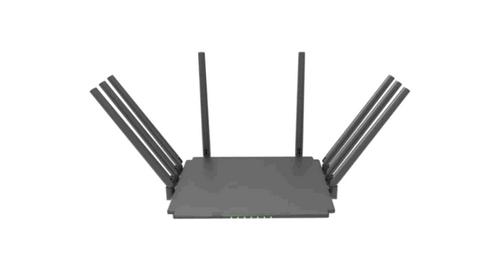
Guangdong Xintengda Communication Technology WR300N-XXX WiFi Router Instruction Manual

COMFAST WR619AC V2 1200Mbps Wireless Router User Manual

Cisco RV320 Small Gigabit Dual WAN VPN Router User Manual