
Home > Infinite Clouds > Infinite Clouds 110 Wireless Router User Manual
Infinite Clouds 110 Wireless Router User Manual


Infinite Clouds
System
The System tab acts as a central hub for managing and configuring various aspects of your
access point within the Access Point Web UI. You can adjust a variety of settings and options on
this tab to alter the operation, conduct, and management of your access point.
By giving you the ability to manage system-level configurations, carry out administrative
functions, backup and update firmware, and start reboots when necessary, the System tab enables
you to guarantee the smooth and effective operation of your access point. You can keep
command over essential facets of your access point's operation by going to the System tab.
We will examine the Administration, Backup/Flash Firmware, and Reboot subsections under the
System tab in the sections that follow.
13

| General | Details |
|---|---|
| Name | Infinite Clouds 110 Wireless Router User Manual |
| Make | Infinite Clouds |
| Language | English |
| Filetype | PDF (Download) |
| File size | MB |
 (1 votes, average: 5.00 out of 5)
 Loading...
If you have any questions regarding Infinite Clouds 110 Wireless Router User Manual, please ask here and describe the problem in detail.


TP-Link AC1200 Wireless Mu-Mimo Gigabit Router User Manual

Doonink FW40-WIFI Wi-Fi Router User Manual

Cudy X6 AX1800 1800mbps Dual Band Smart Wi-Fi 6 Router Installation Guide

TP-Link ER706W Wi-Fi Router User Guide

Tenda 4G06V1.0 4G LTE and VoLTE Router User Guide

Urocomm UROZETTA 2 4G LTE Mobile Router User Manual
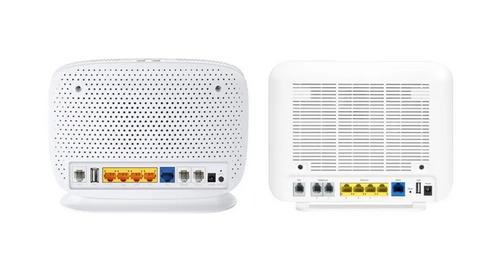
more FTTP BYO Router Installation Guide

SIERRA WIRELESS XR80 5G Cellular Router Instructions

SPARK TECHNOLOGY RM40 Wifi Router User Manual

MERCURY 6220 Wireless Dual-Band Router Instructions