
Home > OptConnect > OptConnect neo2 dura 4 Multi Carrier Cellular Router User Guide
OptConnect neo2 dura 4 Multi Carrier Cellular Router User Guide


10. Use the OptConnect Private Network for
remote access
Skip to Step 11 if you do not need to initiate a connection
from your host to your equipment through neo2 dura.
OptConnect cellular products, including neo2 dura, operate
on a private network to protect them an your equipment
from attempted malicious access originating from the
Internet.
Your computer, host system, or company’s office network
must use VPN credentials to be granted access to our
private network and to remotely access your equipment.
If this neo2 dura is your first OptConnect device, contact our
Customer Care Center at 877.678.3343 to install our free
software VPN client or to discuss other options.
If this neo2 dura is part of a larger portfolio of OptConnect
devices, your company is already using credentials to
remotely access your equipment. You do not need to take
any additional steps for remote access.

| General | Details |
|---|---|
| Name | OptConnect neo2 dura 4 Multi Carrier Cellular Router User Guide |
| Make | OptConnect |
| Language | English |
| Filetype | PDF (Download) |
| File size | 0.13 MB |
 (1 votes, average: 5.00 out of 5)
 Loading...
If you have any questions regarding OptConnect neo2 dura 4 Multi Carrier Cellular Router User Guide, please ask here and describe the problem in detail.

OptConnect neo 4 Cellular Router User Manual

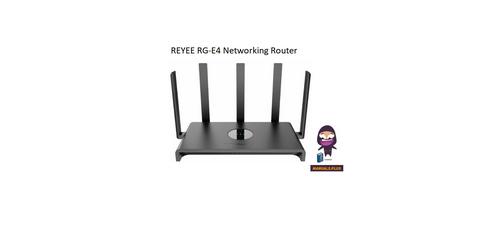
REYEE RG-E4 Networking Router Installation Guide

JUniPer MX304 Universal Router User Guide

Shanghai Notion Information Technology M271T LTE Wireless Router User Guide

KAON BROADBAND AR1840 WiFi Router Installation Guide

AntennaGear P5 5G Router Owner’s Manual

NETGEAR NIGHTHAWK BE18000 Tri Band Wi-Fi 7 Router User Guide

cimetrics B3075 BACnet-IP to BACnet-IP Router User Guide
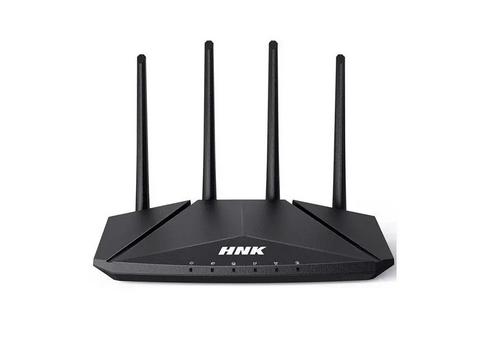
HNK RAX1810 Smart Wi-Fi Router User Manual

Juniper NETWORKS PTX10004 Ultra-Compact Modular Router User Guide

Tenda F9 Wireless Router Installation Guide