
Home > OptConnect > OptConnect neo2 dura 4 Multi Carrier Cellular Router User Guide
OptConnect neo2 dura 4 Multi Carrier Cellular Router User Guide


8. Identify remote access IP address
Skip to step 11 if you do not need to initiate a connection
from your host to your equipment through neo2 dura
• Look up the IP address of your neo2 dura in Summit or
contact our Customer Care Center at 877.678.3343
• Ensure your equipment is configured for a static IP
address (see Step 6)

| General | Details |
|---|---|
| Name | OptConnect neo2 dura 4 Multi Carrier Cellular Router User Guide |
| Make | OptConnect |
| Language | English |
| Filetype | PDF (Download) |
| File size | 0.13 MB |
 (1 votes, average: 5.00 out of 5)
 Loading...
If you have any questions regarding OptConnect neo2 dura 4 Multi Carrier Cellular Router User Guide, please ask here and describe the problem in detail.

OptConnect neo 4 Cellular Router User Manual


GlocalMe G4 Pro 4G LTE Mobile WiFi Router User Guide

Cudy LT500 Outdoor 4G WiFi Router Installation Guide
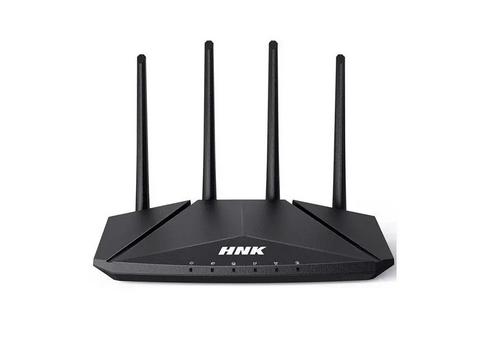
HNK RAX1810 Smart Wi-Fi Router User Manual

eSunFi SHFiEL40 4G LTE WiFi Mobile Hotspot Router User Manual

NORDIC M1R-DH2-12 Corded Router User Manual

CASTLENET EBM522C Mesh Wi-Fi Router Installation Guide

Cudy X6 AX1800 Dual Band Gigabit Wi-Fi 6 Mesh Router Installation Guide

WAVLINK AC1200 Dual Band Wi-Fi Extender/AP User Guide

STRONG REPEATERAX3000 Wi-Fi 6 Repeater 3000 Router User Guide

STARLINK Standard Gen 3 Router User Guide