
sunhans eSunFi SHFiEL40 eSIM 4G Portable Router User Manual
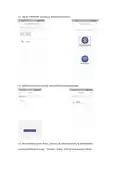
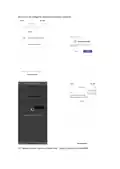
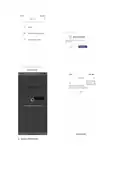

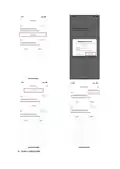
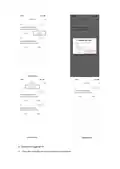
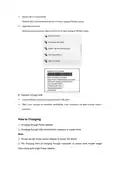


3. The charging temperature of the product is between -10 ℃ and 60℃ , please
keep the device within this temperature rang when charging.
Device management
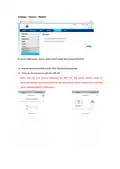
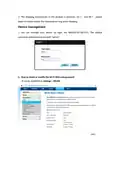
1. You can manage your device by login the WebUI(192.168.0.1). The default
username and password are both "admin".
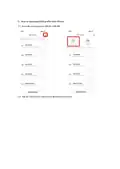
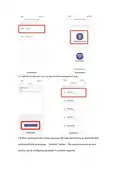
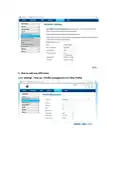
2. How to check or modify the Wi-Fi SSID and password
It can be modified on settings-->WLAN

| General | Details |
|---|---|
| Name | sunhans eSunFi SHFiEL40 eSIM 4G Portable Router User Manual |
| Make | sunhans |
| Language | English |
| Filetype | PDF (Download) |
| File size | 0.5 MB |
 (1 votes, average: 5.00 out of 5)
 Loading...
If you have any questions regarding sunhans eSunFi SHFiEL40 eSIM 4G Portable Router User Manual, please ask here and describe the problem in detail.


LINKSYS E1000 Wireless N Router Instruction Manual

Tenda RX2 Pro, TX2 Pro Dual Band Gigabit WiFi 6 Router Installation Guide

NETGEAR R6300 WiFi Router Instruction Manual

SMAWAVE SRE410 LTE CPE Router User Guide

STARLINK GEN 3 WIFI ROUTER Enhancing Homes Router Installation Guide

eero N010001 AX1800 Dual Band Mesh WiFi 6 Router User Manual

AIRSONICS 4960R Mesh WiFi Router Installation Guide

NETGEAR RS280S Nighthawk WiFi 7 Tri-Band Router Owner’s Manual

TP-Link Archer AXE300 Quad-Band Wi-Fi 6E Router Installation Guide

MOXA TN-4900 Series Gigabit Security Router Owner’s Manual