
Home > TAIKO AUDIO > Taiko Audio TAP011 Extreme Router User Manual
Taiko Audio TAP011 Extreme Router User Manual


2 - Go to Network-> Firewall -> Port Forwards-> click ‘Add’
click Save; click Save & Apply
3 - Go to your computer on your main router (Wi-Fi or Wired) and open VNC.
Create a new connecꢀon or edit an exisꢀng one.
The IP address is the Taiko Router's IP address on your main router. This is not
the Taiko Router IP default gateway of 192.168.100.1.
You should now be able to VNC to the Extreme using your main network.
P a g e 30 | 35

| General | Details |
|---|---|
| Name | Taiko Audio TAP011 Extreme Router User Manual |
| Make | TAIKO AUDIO |
| Language | English |
| Filetype | PDF (Download) |
| File size | 0.45 MB |
 (1 votes, average: 5.00 out of 5)
 Loading...
If you have any questions regarding Taiko Audio TAP011 Extreme Router User Manual, please ask here and describe the problem in detail.

TAIKO AUDIO TAP0016 Extreme Router User Guide
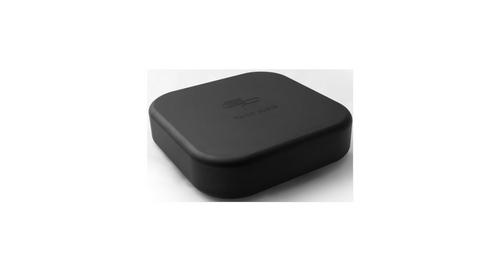
TAIKO AUDIO 92592129 Extreme Router User Manual

Taiko Audio V16.x22069 Extreme Router User Manual

TAIKO AUDIO ES9039MSPRO Extreme Switch Router Instruction Manual

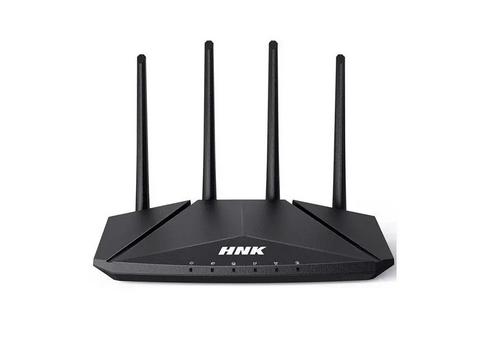
HNK RAX1810 Smart Wi-Fi Router User Manual

Cudy GP1200V xPON Wi-Fi Router Installation Guide

LINKSYS E2500 Dual Band Router User Guide

netgate 6100 MAX Secure Router User Manual

intelbras WiFiber 121 AC Wi-Force Router User Manual

TP-Link Archer MR600 4G+ Cat6 AC1200 Wireless Dual Band Gigabit Router Installation Guide

Wi-Tek WI-R3 1200Mbps Dual-Band Wireless Mesh Router with PoE Passthrough Installation Guide

ASUS GT-BE19000 WiFi 7 Tri Band Gaming Router User Guide

TELTONIKA RUT301 Router User Guide

ASUS ZenWiFi Pro XT12 AX11000 Tri Band Router User Manual