
ALFA HaLow-R WiFi 4 IoT Router User Guide
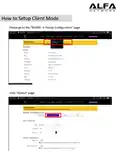
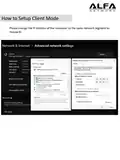
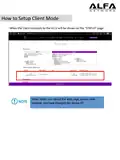


How to Setup Client Mode
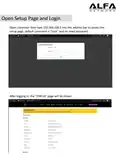
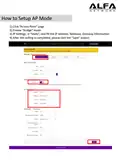
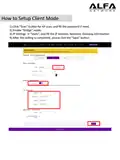
1).Click “Scan” buton for AP scan, and fill the password if need.
2).Enable “Bridge” mode
3).IP Setngs → “Statc”, and fill the IP Address, Netmask, Gateway informaton.
4).Aſter the setng is completed, please click the "Save" buton.

| General | Details |
|---|---|
| Name | ALFA HaLow-R WiFi 4 IoT Router User Guide |
| Make | ALFA |
| Language | English |
| Filetype | PDF (Download) |
| File size | 0.48 MB |
 (1 votes, average: 5.00 out of 5)
 Loading...
If you have any questions regarding ALFA HaLow-R WiFi 4 IoT Router User Guide, please ask here and describe the problem in detail.


ASUS BE3600 Dual Band WiFi Router User Guide

digicom 8E4631 Boxed Defective 4G Router User Guide

ATEL RE600 5G CPE Router User Guide

Spectrum MAX2V1K WiFi 6E MDU Router User Guide

COOSPO RC905 Router User Manual

NETGEAR RAX5 Model AX1600 WiFi 6 Router User Guide

ADVANTECH SL302 SmartStart LTE Router User Manual

MERCURY RT-N10E Wireless N150 Router Instructions
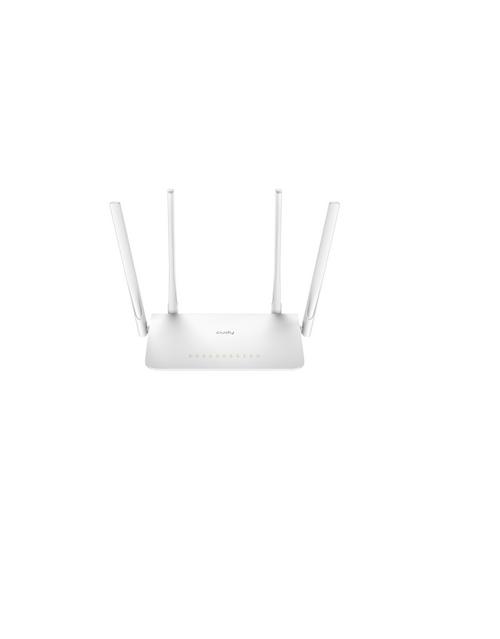
Cudy AC1200 WiFi Mesh Router User Guide

LINOVISION IOT-R32W Versatile Cellular Router User Guide