
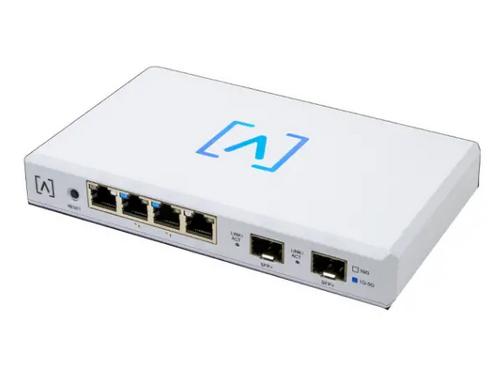
ALTA LABS ROUTE10 High Performance 10 Gbps Router User Guide


4.Align the router with the Mounting Bracket.
Note: the Alta Labs A logo should be facing
the same position on the mount and the
router. Slide the notches over the tabs to
lock Route10 into place.
1 . 3 A
5 4 V
n
I
p u t
:
5. Connect the Power Supply to the Route10
and the other end to a power outlet.
1 . 3 A
5 4 V
n
I
p u t
:
8

| General | Details |
|---|---|
| Name | ALTA LABS ROUTE10 High Performance 10 Gbps Router User Guide |
| Make | ALTA LABS |
| Language | English |
| Filetype | PDF (Download) |
| File size | 1.33 MB |
 (1 votes, average: 5.00 out of 5)
 Loading...
If you have any questions regarding ALTA LABS ROUTE10 High Performance 10 Gbps Router User Guide, please ask here and describe the problem in detail.
NETGEAR Nighthawk AXE11000 Tri-Band WiFi 6E Router RAXE500 User Manual

Smawave SRG821 Ruggedized Router User Guide

xiaomi 610645 4A Mi Router Instruction Manual

TP-Link X50-5G Whole Home Mesh Wi-Fi 6 Router User Guide

Cudy WR3600 Gigabit Mesh Wi-Fi 7 Router Installation Guide

Tenda 4G06V1.0 4G LTE and VoLTE Router User Guide

Cudy R700 Gigabit Multi-WAN VPN Router Installation Guide

Tenda TX2 Pro Dual Band Gigabit WiFi 6 Router Owner’s Manual

westermo Merlin 4700 Series Cellular Router User Guide

airlive XPON ONU Wifi6 MESH Router User Manual