
HIKVISION DS-3WG105GP-SI Router User Guide


English
Before connecting, installing, or removing the device, make sure power is disconnected from
the device.
After removing the power connector for the device, power remains on the metal part of the
connector. Do not touch the connector within 5 minutes.
Make sure the protective grounding of the device is connected reliably to the building's
protective grounding.
Set up the grounding facility for the device separately and away from that of power
distribution equipment and lightning protection system.
Position the device far away from high-power radio transmitters, radar transmitters, and high-
frequency, high-current equipment.
Use only the power cord supplied with the device. Do not use any non-matching products. The
power voltage must be in the input voltage range of the dedicated power cord.
If you notice any unusual symptom from the device such as smoke, strange smells, or
abnormal noises, immediately disconnect power to the device and contact the distributor or
service center.
4

| General | Details |
|---|---|
| Name | HIKVISION DS-3WG105GP-SI Router User Guide |
| Make | Hikvision |
| Language | English |
| Filetype | PDF (Download) |
| File size | MB |
 (1 votes, average: 5.00 out of 5)
 Loading...
If you have any questions regarding HIKVISION DS-3WG105GP-SI Router User Guide, please ask here and describe the problem in detail.
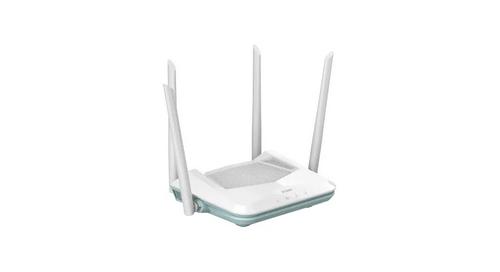
HIKVISION AX1500 Pro WiFi Router User Guide


SNRMD2 Wi-Fi Router User Manual

MERCUSYS AC12G Wireless Router Installation Guide

TP-Link E4 deco Router Installation Guide

TP-Link AC1200 Wireless Dual Band Gigabit Router Installation Guide

ZLWL ZR2720N Router User Guide

TP-Link AX5400 Multi Gigabit Wi-Fi Router User Guide

MikroTik RBMetalG-52SHPacn Metal Wireless Router User Manual

MikroTik Cloud Hosted Router User Guide

Cudy WR1200 AC1200 Wi-Fi Router Installation Guide

eero 7 Dual Band Mesh Wi-Fi 7 Router User Guide