
Ibex-RT-630-5G Series EN 50155 5G and WLAN Router User Manual


Put the SIM card drawer back into the unit, ensuring that it fits into place and tighten the
knurled screws on both sides until the drawer is fully inserted and plane with the unit
frame.
NOTICE
To use the device in its specified temperature range it is important to use
a robust industrial SIM card with extended temperature range.
NOTICE
In order to guarantee proper IP against dust and water, please check
carefully that the drawer is fully inserted and screws are properly
tightened.
NOTICE
Before removing and inserting the SIM drawer, ensure that power has
been turned off by removing the power connector from the unit.
NOTE
The sim cards must be fully inserted into the sockets until the mechanical
stop.
NOTE
The product supports two SIM cards with the restriction that only one
SIM card is active.
16
Ibex-RT-630-5G Series

| General | Details |
|---|---|
| Name | Ibex-RT-630-5G Series EN 50155 5G and WLAN Router User Manual |
| Make | IBEX |
| Language | English |
| Filetype | PDF (Download) |
| File size | MB |
 (1 votes, average: 5.00 out of 5)
 Loading...
If you have any questions regarding Ibex-RT-630-5G Series EN 50155 5G and WLAN Router User Manual, please ask here and describe the problem in detail.


Bauer 23121E-B Variable Speed Compact Router Owner’s Manual

FiberHome SR120CC Smart Router User Manual

robustel R1510 4G LTE Router User Manual

QUARK-ELEC QK-R041 Wireless 4G LTE Router User Guide

HIRSCHMANN NB1800 NetModule Router User Manual

NETGEAR R7450 WiFi Router User Guide

MERCUSYS MW301R Wireless Router Installation Guide

eero V010001 Router User Guide
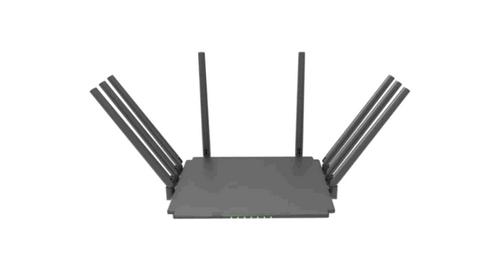
Guangdong Xintengda Communication Technology WR300N-XXX WiFi Router Instruction Manual

NETGEAR Nighthawk Tri-Band WiFi 6 Router RAX200 User Guide