
Home > SIERRA WIRELESS > SIERRA WIRELESS XR80 5G Cellular Router Instructions
SIERRA WIRELESS XR80 5G Cellular Router Instructions
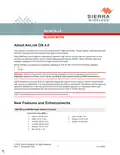
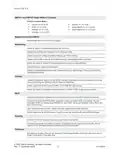
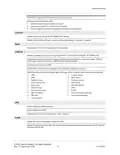
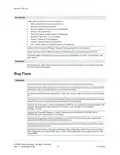



Release Notes
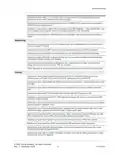
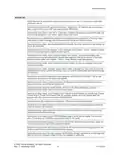
Resolved an issue where the XR80/XR90 Wi-Fi 2.4GHz client periodically disconnected/
reconnected from the Remote AP, causing Internet disruptions.
Resolved an issue where the Wi-Fi status did not report “Connecting”.
Resolved an issue where the router allowed indoor-only channels to be used in OUTDOOR mode
when the REGION had been set to EU: Europe.
XR90: Resolved an issue where a router failed to start Wi-Fi on daily power-on.
XR80: Resolved an issue where degraded performance was observed when using Access Point
and Client disabled.
Resolved an issue where Ethernet to Wi-Fi throughput was lower than expected.
Hardware Interfaces
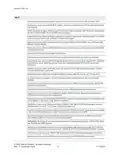
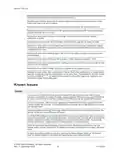
Resolved an issue where an XR90 repeatedly rebooted if the hardware clock failed to synchronize.
Resolved an issue where the connect timeout feature stopped working when TCP Reconnect On
Disconnect is enabled then disabled.
XR90/XR80: Resolved an issue with GPIO configuration where configuring all five I/Os as Digital
Inputs, then enabling or disabling all of them resulted in inconsistent Active/Inactive Status for each
input in the Digital Inputs table.
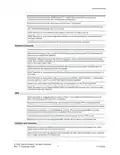
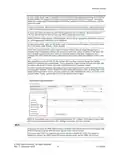
Resolved an issue where serial communication with a remote server wouldn’t establish after the
cellular interface was disabled and then re-enabled.
RX55: Resolved an issue where serial DCD and DSR lines were not working when configured in 8-
wire mode.
RX55: Resolved an issue where, after a reset to factory defaults, Serial Interfaces > Configuration
was showing Port 1 and Port 2 when Dual Serial Mode was disabled.
Resolved an issue where serial PAD data was not transmitted over the XP Cellular WAN.
RX55: Resolved an issue where ASSERT DSR and ASSERT DCD settings were not shown when
Dual Serial mode was disabled.
VPN
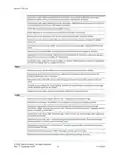
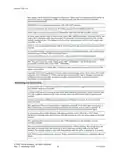
Added an option to configure the MTU size for IPSec Tunnels when in FIPS mode to resolve an
issue with dropped packet fragments in networks.
Resolved an issue where NAT bindings were unstable when passing VPN encapsulated traffic.
Reduced VPN failover time by adjusting the Dead Peer Detection timer range and number of retries.
Resolved an issue where non-FIPS MOBIKE L2L/H2L VPN Tunnel dropped traffic and never
recovered when a WAN switchover from Cellular to Ethernet occurred.
Resolved an issue where full tunnel exemptions were incorrectly set up in FIPS mode.
Resolved an issue where the negotiated traffic selector did not appear in the firewall rule.
Location and Telemetry
Resolved an issue where NMEA sentence forwarding replayed historical messages if the router
system time is behind the local time at power up.
Resolved an issue where atp.igns was sent periodically as part of the AVStandard report instead of
only on edge transitions of the ignition line.
© 2022 Sierra Wireless. All rights reserved.
Rev. 1 December 2022
7
41114504

| General | Details |
|---|---|
| Name | SIERRA WIRELESS XR80 5G Cellular Router Instructions |
| Make | SIERRA WIRELESS |
| Language | English |
| Filetype | PDF (Download) |
| File size | 0.22 MB |
 (1 votes, average: 5.00 out of 5)
 Loading...
If you have any questions regarding SIERRA WIRELESS XR80 5G Cellular Router Instructions, please ask here and describe the problem in detail.
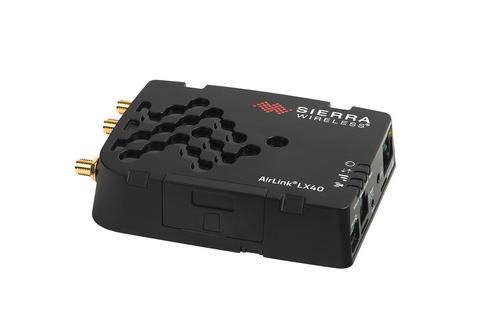
SIERRA WIRELESS AirLink LX40 Enterprise LTE Router User Guide


D-Link DSL-G225 Wireless N300 ADSL2+/VDSL2 Modem Router Installation Guide

LINOVISION IOT-R32W Cellular Router User Manual

D-Link DSL-G604T Wireless ADSL Router Instruction Manual

Adtran SDG-8610 Service Delivery Gateway WiFi 6 Gigabit Router Instruction Manual

inseego FX3100-1 Wavemaker 5G Router User Guide

STARLINK LJ439RBIV3M5 Mini Router Installation Guide

D-Link G530 5G NR AX3000 Wi-Fi 6 Router User Guide
Juniper NETWORKS MX304 Universal Router User Guide

KEENETIC KN-3911 Mesh Wi-Fi 6 Multi-Gigabit Router User Guide

ASUS ZenWiFi BD4 Dual Band Wi-Fi Router User Guide