
Home > wis network > wis network 5G CPE Pro -Home Router User Guide
wis network 5G CPE Pro -Home Router User Guide


Connecting to the Local Power Supply
WAN
1ꢀ
2ꢀ
3ꢀ
4
ON/OFF
PWR
RST
Use the power adapter to connect the power port of the CPE to the local power source.
NOTE: Observe the status of each LED to judge whether the device starts normally.
Connecting to the Network Device
1. Connection through Wireless Network
Internet access device can be connected to CPE through wireless network.
Default WLAN wireless network name (SSID) Wi-Fi 2.4G and Wi-Fi 5G.
NOTE:

| General | Details |
|---|---|
| Name | wis network 5G CPE Pro -Home Router User Guide |
| Make | wis network |
| Language | English |
| Filetype | PDF (Download) |
| File size | 1.04 MB |
 (1 votes, average: 5.00 out of 5)
 Loading...

wis network WIS-N300-LTE 4G LTE Router User Guide
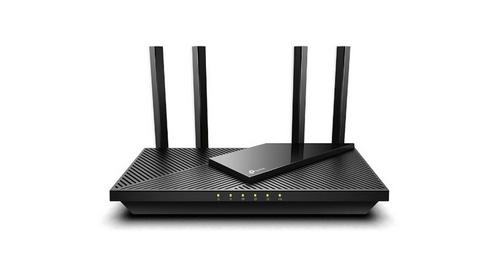
wis network WIS-AX3000 WiFi 6 Gigabit PoE Router User Guide


MikroTik G8-b Wireless Router User Guide

STRONG 4GROUTER300M 4G LTE Router Instruction Manual

ASUS RT-BE96U BE19000 Tri Band WiFi Router User Guide

DrayTek Vigor2762 Series ADSL2-2+ and VDSL2 Router User Guide

Getic MikroTik CCR2004-16G-2S+PC Cloud Core Router User Manual

westermo MRD-405 4G LTE Router User Guide

ATEL WB550 Apex 5G CPE Router Owner’s Manual

ASUS RT-ACRH18 Dual band AC WiFi Router User Guide

Cudy WR1200 Dual Band Wi-Fi Router Installation Guide

LINKSYS 750MR7500 Hydra Pro 6E Mesh Router User Guide