
Home > WIND telecom > WIND telecom Surf-i TD-LTE 4G Wireless Router User Manual
WIND telecom Surf-i TD-LTE 4G Wireless Router User Manual

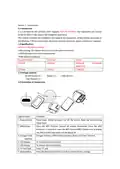
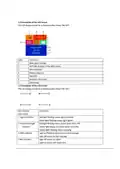
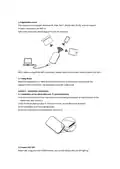
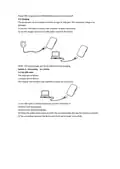
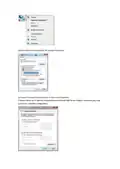
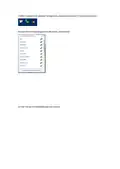
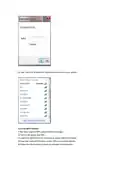
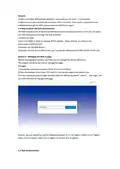

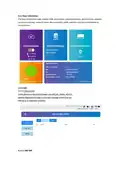
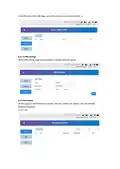
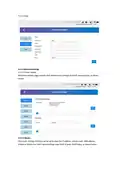

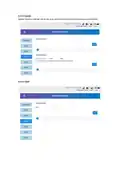


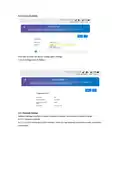
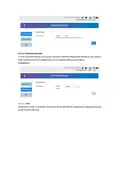
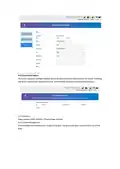
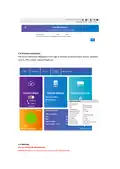



6) Later, the Click Terminal will automatically connect to your device.
3.2.2 Via WPS Function
If the client supports WPS, please follow these steps:
1) Turn on the device and WIFI.
2) Long Press WPS Button for 3 seconds to enable WPS functionality.
3) Open the client WPS function so that WPS is on for both devices.
4) Follow the client system prompts to complete the connection.

| General | Details |
|---|---|
| Name | WIND telecom Surf-i TD-LTE 4G Wireless Router User Manual |
| Make | WIND telecom |
| Language | English |
| Filetype | PDF (Download) |
| File size | 0.56 MB |
 (1 votes, average: 5.00 out of 5)
 Loading...
If you have any questions regarding WIND telecom Surf-i TD-LTE 4G Wireless Router User Manual, please ask here and describe the problem in detail.


eero Max 7 Mesh Wifi Router Owner’s Manual

Cudy LT500D Dual Band Unlocked 4G LTE Modem Router Installation Guide

TP-Link TL-WR845N Wireless N Router Installation Guide

TP-Link TL-WR940N Wireless N Router Installation Guide

Tenda RX12V1.0 Wi-Fi 6 6E Router Installation Guide

TP-Link ER706W-4G Omada 4G Cat6 Gigabit VPN Router Instructions

ASUS RT-AX82U V2 AX5400 Dual Band WiFi Router User Guide

UBIQUITI UMR-US UniFi Mobile Router Installation Guide

Juniper NETWORKS SSR1300 Router User Guide

unifi DPN-FX3060V Optical Network Router User Manual