
Home > WIND telecom > WIND telecom Surf-i TD-LTE 4G Wireless Router User Manual
WIND telecom Surf-i TD-LTE 4G Wireless Router User Manual
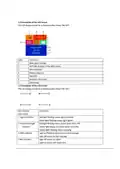
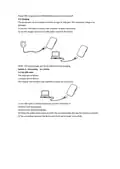
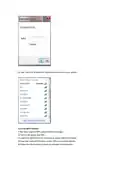
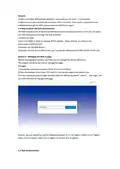

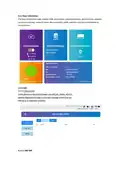
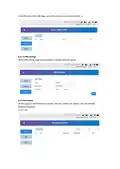
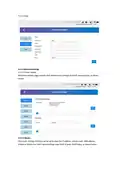

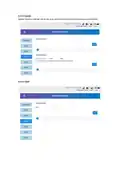


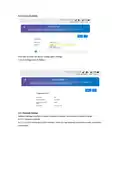
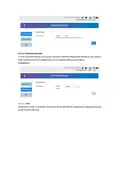
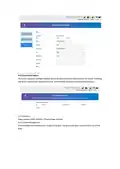
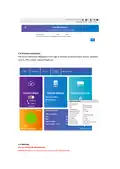
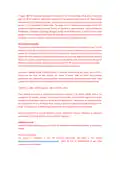


Power OFF: Long press the POWER Button to turn the device off.
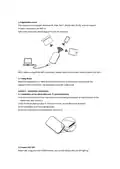
2.3 Charging
The equipment can be charged via either charger or USB port. The method to charge is as
followed:
1) Use the USB cable to connect the computer or other equipment.
2) Use the charger to connect a USB power source to the device.
NOTE: The normal usage will not be affected during charging.
Section 3 - Connecting to a Device
3.1 Via USB cable
The steps are as follows:
1) Power ON the device.
This chapter will introduce two methods to build the connection.
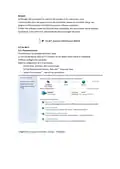
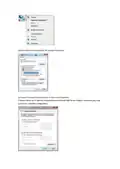
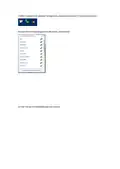
2) Use USB cable to connect the device and the client(click to
close the auto play popup).
3) Choose the required language.
4) Follow the system instructions to finish the installation(skip this step for driverless version).
5) The connection between the device and client will be made successfully.

| General | Details |
|---|---|
| Name | WIND telecom Surf-i TD-LTE 4G Wireless Router User Manual |
| Make | WIND telecom |
| Language | English |
| Filetype | PDF (Download) |
| File size | 0.56 MB |
 (1 votes, average: 5.00 out of 5)
 Loading...
If you have any questions regarding WIND telecom Surf-i TD-LTE 4G Wireless Router User Manual, please ask here and describe the problem in detail.


TP-Link AX6000 8-Stream Wi-Fi 6 Router Installation Guide

ASUS XT8 AX6600 Tri-Band Wi-Fi Router User Guide

D-Link G530 5G NR AX3000 Wi-Fi 6 Router User Guide

Spectrum WiFi 6 Router: User Guide & Troubleshooting Tips

GL iNet GL-B3000/Marbel AX3000 Wireless Router User Manual

TP-Link BE450 Dual Band Wi-Fi 7 Router Installation Guide

ASKEY RT5035W Google Fiber Wi-Fi 6E Router User Guide

TP-Link AX6000 Stream Wi-Fi 6 Router Installation Guide

EtherWAN EasyCell Hardened 4G LTE CAT4 Router Installation Guide

D-Link DIR-890L AC3200 Ultra Wi-Fi Router Installation Guide