
CNC3D QB2 CNC Router User Guide


Repeat this process on the other side of the machine in the exact same pattern as the first
side. This will allow us to “twist” the gantry front to back. Make slight adjustments at a time
to both sides and re‐secure the BLUE bolt first, then the YELLOW bolts. Check if it is
trammed correctly by cutting into your test piece. Repeat these adjustments until the test
piece seems to surface quite flat with no ridges showing up as it skims the surface.
QB2 Page 16
QB2 User and Maintenance Guide – Revised 28/09/2022

| General | Details |
|---|---|
| Name | CNC3D QB2 CNC Router User Guide |
| Make | CNC3D |
| Language | English |
| Filetype | PDF (Download) |
| File size | 1.11 MB |
 (1 votes, average: 5.00 out of 5)
 Loading...
If you have any questions regarding CNC3D QB2 CNC Router User Guide, please ask here and describe the problem in detail.

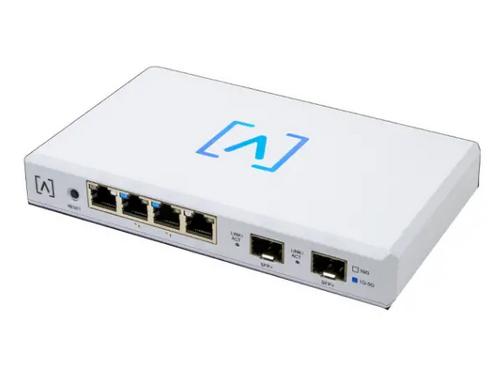
ALTA LABS ROUTE10 High Performance 10 Gbps Router User Guide

TP-Link TL-WR3002X AX3000 Wi-Fi 6 Portable Router User Guide

ASUS TUF-AX6000 Dual Band WiFi Router User Guide

intwine connect ICG-150 Cellular Router User Guide

MERCUSYS AC12G Wireless Router Installation Guide

STRONG 4GROUTER300M 4G LTE Router Instruction Manual

RV WI-FI 2024 V3 DishyDock Router User Manual

D-Link DIR-890L AC3200 Ultra Wi-Fi Router Installation Guide

LANCOM SYSTEMS 1790-4G+ High-Performance VPN Router Installation Guide

ERICSSON R980 Series Ruggedized 5G Router User Guide