
ASUS GT-AX6000 Dual Band WiFi 6 Extendable Gaming Router User Guide


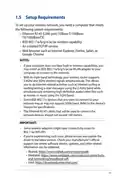
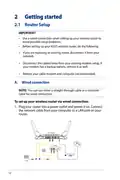


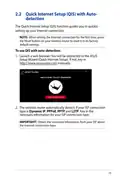

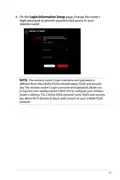












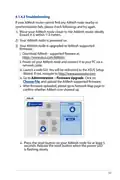


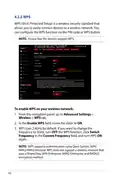


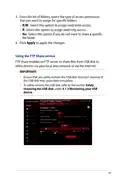


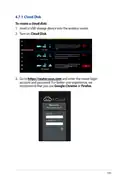



















•
•
Enable WAN: Select Yes to allow the router Internet access.
Select No to disable Internet access.
Enable NAT: NAT (Network Address Translation) is a system
where one public IP (WAN IP) is used to provide Internet
access to network clients with a private IP address in a LAN.
The private IP address of each network client is saved in a NAT
table and is used to route incoming data packets.
•
Enable UPnP: UPnP (Universal Plug and Play) allows several
devices (such as routers, televisions, stereo systems, game
consoles, and cellular phone), to be controlled via an IP-based
network with or without a central control through a gateway.
UPnP connects PCs of all form factors, providing a seamless
network for remote configuration and data transfer. Using
UPnP, a new network device is discovered automatically.
Once connected to the network, devices can be remotely
configured to support P2P applications, interactive gaming,
video conferencing, and web or proxy servers. Unlike Port
forwarding, which involves manually configuring port
settings, UPnP automatically configures the router to accept
incoming connections and direct requests to a specific PC on
the local network.
•
Connect to DNS Server automatically: Allows this router to
get the DNS IP address from the ISP automatically. A DNS is a
host on the Internet that translates Internet names to numeric
IP addresses.
•
•
Authentication: This item may be specified by some ISPs.
Check with your ISP and fill them in if required.
Host Name: This field allows you to provide a host name for
your router. It is usually a special requirement from your ISP.
If your ISP assigned a host name to your computer, enter the
host name here.
80

| General | Details |
|---|---|
| Name | ASUS GT-AX6000 Dual Band WiFi 6 Extendable Gaming Router User Guide |
| Make | Asus |
| Language | English |
| Filetype | PDF (Download) |
| File size | 2.19 MB |
 (1 votes, average: 5.00 out of 5)
 Loading...
If you have any questions regarding ASUS GT-AX6000 Dual Band WiFi 6 Extendable Gaming Router User Guide, please ask here and describe the problem in detail.

ASUS RT-AC86U AC2900 WiFi Gaming Router User Guide

ASUS AC1750 WiFi Dual Band Wireless Internet Router User Guide

ASUS TUF-AX5400 Dual Band WiFi 6 Router User Guide

ASUS ET12 ZenWiFi Pro AXE11000 Tri Band Router User Guide

ASUS RT-AX82U V2 AX5400 Dual Band WiFi Router User Guide

ASUS TUF-AX4200 Dual Band WiFi Router User Guide

ASUS RT-BE96U Tri Band WiFi Router User Guide

ASUS RT-N10U 150 mbps Wireless Router Instructions

ASUS RT-BE88U Dual Band WiFi Router User Guide

ASUS RT-BE7200 Dual Band Wi-Fi Router User Guide

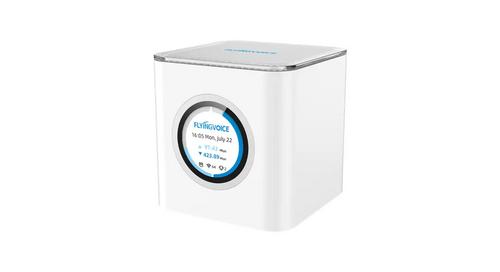
FLYINGVOICE SR3000 Wi-Fi 6 EasyMesh PoE Wireless Router Installation Guide

Spectrum RAC2V1S WiFi 5 Wave 2 Router User Guide

JUNIPER NETWORKS PTX10004 Packet Transport Router User Guide

TP-Link X10 Deco Router Installation Guide

Helmholz LTE11 Router Owner’s Manual

ATEL WB550 5G Fixed Wireless Access Router User Guide

AZORES AX3000 PRO WiFi-6 Wireless Router Instruction Manual

H3C Magic NX15 Wireless Router Installation Guide

NETGEAR RS700S Nighthawk Tri-Band WiFi 7 Router User Guide

MikroTik RBcAPGi-5acD2nD-XL Wireless Router User Guide