
COBALT WAVE RTR-64×64 Router User Manual







Operating Instructions
Control and Display Descriptions
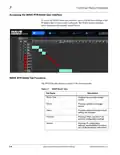
Status Tab
The Status tab provides information on the current status as well as the ability
to display or hide specific types of messages.
Status Settings
By default, users are notified whenever an event occurs. User can view the
status message associated with the event. Users have the option to ignore any
status messages that may be displayed.
To ignore messages, click anywhere in the Status Settings field and add a
check mark to the desired message under the Ignore column. Selected status
messages are immediately ignored from displaying in the status field and will
also be ignored on the LED status lights on the front and rear of the router.
WAVE RTR-64x64-OM (V1.1)
WAVE 64X64-RTR ROUTER PRODUCT MANUAL
3-9

| General | Details |
|---|---|
| Name | COBALT WAVE RTR-64×64 Router User Manual |
| Make | worCOBALT |
| Language | English |
| Filetype | PDF (Download) |
| File size | 1.03 MB |
 (1 votes, average: 5.00 out of 5)
 Loading...
If you have any questions regarding COBALT WAVE RTR-64×64 Router User Manual, please ask here and describe the problem in detail.


xiaomi RA70 Mi Home Router User Guide

ASUS RT-AX58U AX3000 Dual Band Wi-Fi Router User Guide

Taiko TAP0016 Audio Extreme Router User Manual

STRONG 4GROUTER300M 4G LTE Router Instruction Manual

AKYPACH A2 Wood Router Instruction Manual

D-Link DIR-890L AC3200 Ultra Wi-Fi Router Installation Guide

NETGEAR RS600 Nighthawk WiFi 7 Tri-Band Router User Manual

TP-LINK AX1500 Dual Band Wi-Fi 6 Router Installation Guide
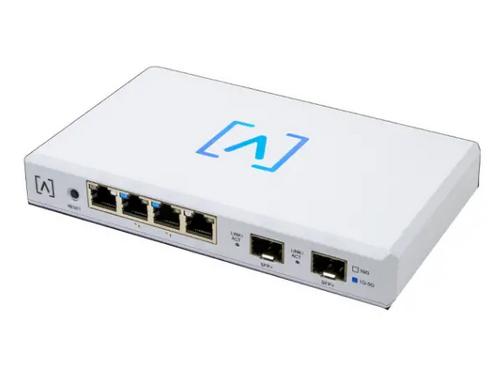
ALTA LABS ROUTE10 High Performance 10 Gbps Router User Guide

audiocodes Mediant 500L Multi Service Router User Guide