
Datto DSE641T 2×2 WiFi 6 Router User Guide


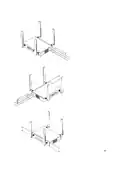
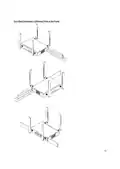



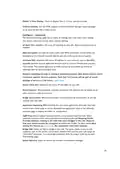






All Datto Networking Access Points configure themselves: they become gateways or
repeaters depending on if they are connected to the Internet or not.
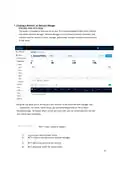
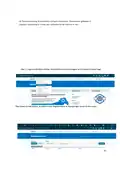
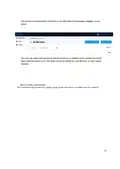
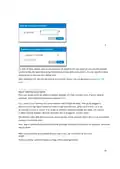
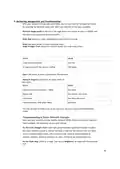
Step 1: Log into the Datto Partner Portal(datto.com) and Navigate to the Network Status Page
Then Select to Add Device, as shown in the Diagram below in the top right corner of the screen
14

| General | Details |
|---|---|
| Name | Datto DSE641T 2×2 WiFi 6 Router User Guide |
| Make | datto |
| Language | English |
| Filetype | PDF (Download) |
| File size | 0.7 MB |
 (1 votes, average: 5.00 out of 5)
 Loading...
If you have any questions regarding Datto DSE641T 2×2 WiFi 6 Router User Guide, please ask here and describe the problem in detail.


TP-Link AXE5400 Tri Band Wi-Fi 6E Gaming Router Installation Guide

ZYXEL NR7302,NR7303 5G NR Outdoor Router Instruction Manual

Bauer 23121E-B Variable Speed Compact Router Owner’s Manual

ASUS ROG Rapture GT-BE98 Pro BE30000 Quad Band Gaming Router User Guide

neptronic RPB11 BACnet Router Installation Guide

Tenda 4G06 N300 WiFi 4G VoLTE Router Installation Guide

Claro V1 GPON Router Installation Guide

BEC AirConnect 8112 5G Enterprise Router User Guide

SIERRA WIRELESS XR80 5G Cellular Router Instructions

CASTLENET EBM522U Mesh WiFi Router Installation Guide